The music player
your library deserves
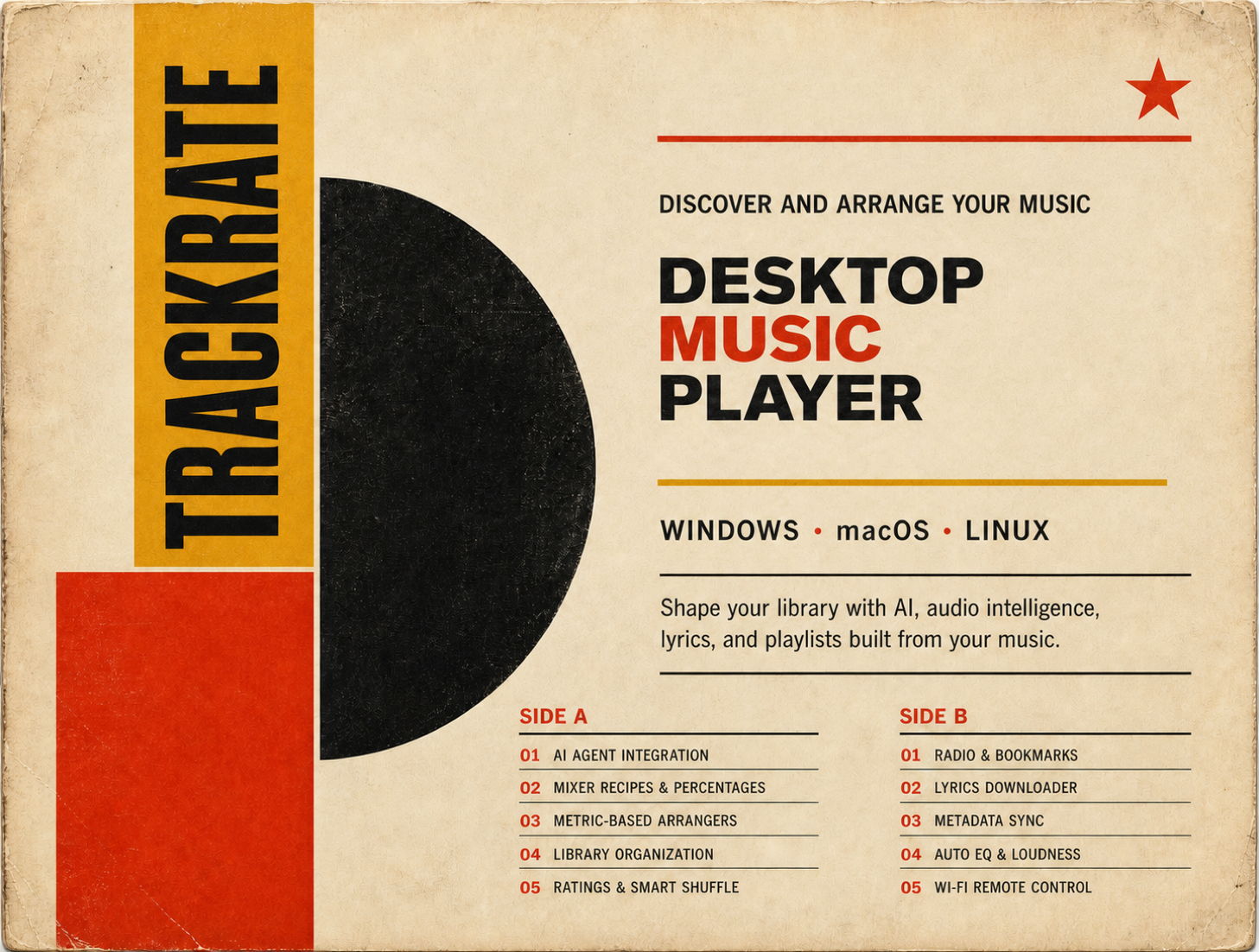
No-subscription desktop music player
Go beyond playback with intelligent tools
 Windows
 macOS
macOS
 Linux
Linux
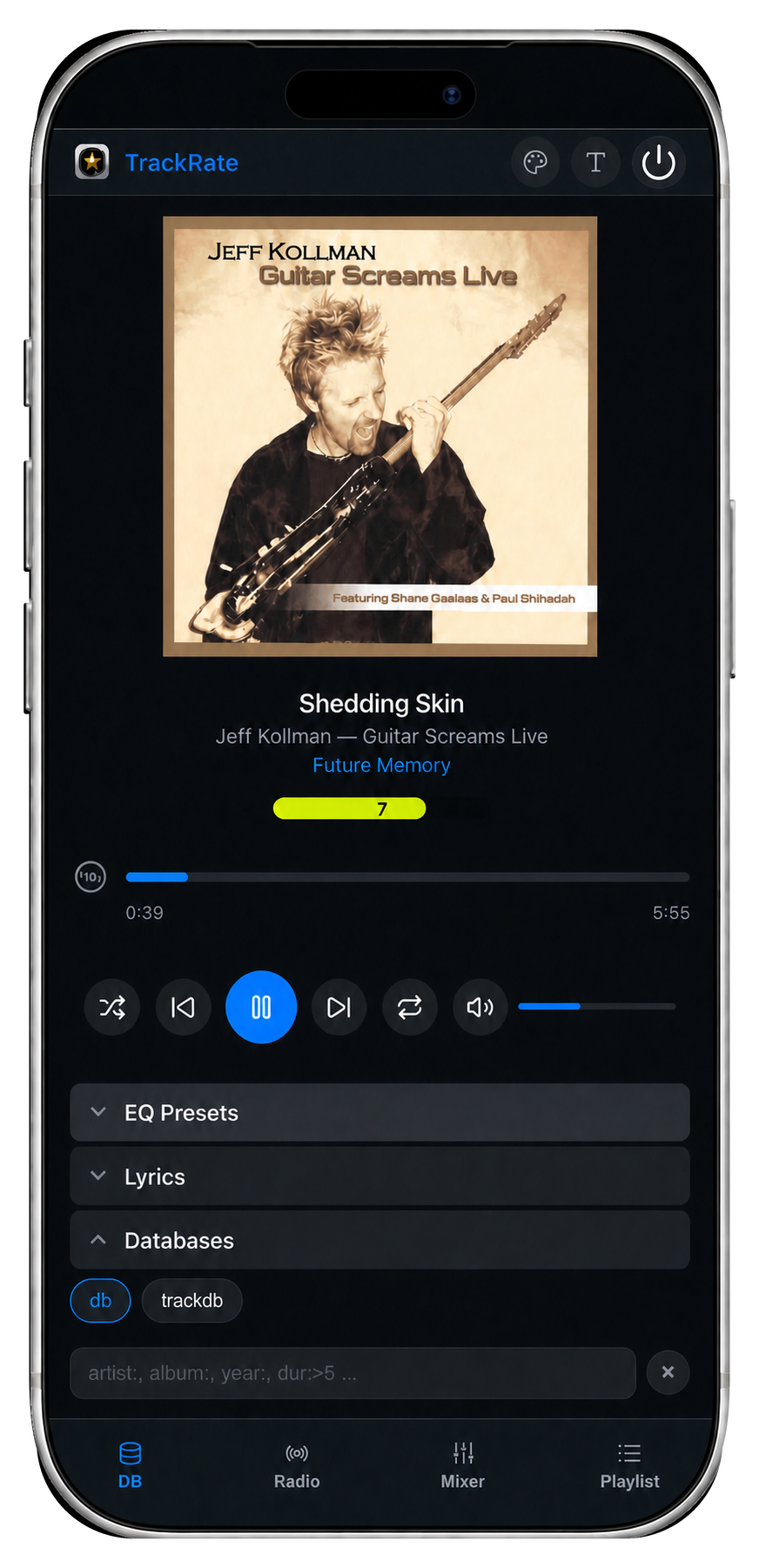
Wi-Fi remote
control
control
Unlock your library’s full potential
Premium Edition $24.99
Pay once. Yours forever. No subscriptions.
Have a coupon? Enter it when you
download.

Free versus Premium
Start free and keep the essentials. Open the full breakdown when you want to see exactly what the one-time Premium upgrade adds.
Feature
Free
Premium
Installation instructions
TrackRate is a direct download. Follow the short platform-specific step below if your operating system shows a security prompt.
Windows
If Windows shows a security warning
- Click More info.
- Click Run anyway.
- Complete the installer normally.
This prompt can appear because TrackRate is distributed outside the Microsoft Store.
macOS
Remove the quarantine flag once
If the DMG is in your Downloads folder, open Terminal and run:
xattr -cr ~/Downloads/TrackRate-*.dmgThen double-click the DMG and install normally.
Linux
Allow the AppImage to run
- Right-click the AppImage and open Properties.
- Under Permissions, allow executing the file as a program.
- Double-click the AppImage to launch TrackRate.
Frequently Asked Questions
About TrackRate 7 questions
TrackRate is a desktop music player built for people who own their music. Rate tracks on a 10-point scale and let those ratings shape your shuffle. Tag your library by genre, mood, or anything you want. Build playlists with a weighted Mixer that blends ingredients by percentage. Arrange tracks algorithmically with 21 audio measurements that shape energy arcs, tempo ramps, and artist spacing. Connect AI assistants through MCP to search, tag, and organize your library. Sync metadata bidirectionally between the app and your audio files. All data stays local — no streaming, no subscriptions.
Three capabilities set TrackRate apart from every other music player:
Arrangers — algorithmic playlist ordering using 21 audio measurements per track. Stack shapers (Shape, Interleave, Gap-Spread) into strategies like Energy Waves, Genre Tour, or DJ Set. Other players decide which tracks to include — TrackRate also decides what order they play in.
The Mixer — weighted-probability playlists that blend ingredients by percentage (40% jazz, 30% ambient, 20% soul). Not just filter rules like smart playlists — you compose the balance, and the Mixer maintains it.
MCP AI Integration — connect AI assistants (Claude, Codex, and others) directly to your live library. They can search, tag, clean metadata, create and arrange playlists through 30+ tools with a full safety model. No other music player has this.
Beyond these: a 10-point rating system with global shortcuts, four rating-driven shuffle modes, tag-driven auto-EQ, LUFS auto-leveling, gapless playback, Native Audio Output with bit-perfect exclusive mode, crossfade with curve control, frequency analysis, and side-by-side metadata sync that writes tags to the audio file comment field — readable by Serato, Rekordbox, and Traktor.
No. TrackRate is for local music files you own — purchased from artists, AI-generated, or existing collections. It is not a streaming service and does not integrate with streaming platforms.
Those are audiophile platforms built around signal processing and distribution — upsampling, DSP filters, streaming service integration (Tidal, Qobuz), and in Roon's case, sending music to speakers across your home over a network. Most run on a subscription model. A different category entirely.
TrackRate plays audio on the machine it runs on, through direct hardware access with bit-perfect Native Audio Output. It does not integrate with streaming services, podcasts, or any online content — by design, and with no plans to change that. It is built for music you own, and it is a one-time purchase.
Beyond playback, TrackRate offers a curation toolkit none of those platforms provide: rate every track on a 10-point scale, auto-switch EQ presets by tag, drive shuffle with your ratings, build playlists with a weighted Mixer that blends ingredients by percentage, algorithmically arrange playlists with Arrangers using 21 audio metrics, and connect AI assistants through MCP to automate tagging and metadata cleanup across your entire library. None of that exists in those tools.
All three are well-established players with loyal followings. There is no reason to switch just for playback — foobar2000 has WASAPI exclusive and powerful component system, MusicBee has a 15-band EQ and Auto DJ, and Winamp is a classic with SHOUTcast radio. Where TrackRate is different is the curation layer, and it is a large difference.
MCP (Model Context Protocol) lets AI assistants connect directly to your live TrackRate library. Once enabled in Settings → Remote API, an AI client like Claude or Codex can call 30+ tools to search tracks, inspect metadata, create and arrange playlists, clean up tags, normalize metadata across thousands of files, fetch lyrics, and control playback — all with your approval.
A safety model creates an automatic full-library backup before the first write operation in each session. Read tools only inspect data — they never modify anything. Write tools require your go-ahead and an instant kill switch in Settings shuts everything down. This is unique to TrackRate — no other music player has an MCP server.
Arrangers are TrackRate's algorithmic playlist ordering engine — they decide not just which tracks to play, but what order to play them in. They use 21 audio measurements per track (RMS power, spectral centroid, tempo, beat strength, onset rate, and more) to shape a playlist into a listening journey.
Three shaper types are combined into strategies: Shape (energy waves, BPM ramps, rating peaks), Interleave (rotate artists, genres, tags, albums, decades), and Gap-Spread (keep repeats a chosen distance apart). You set weights on each shaper to control how much it influences the final order. 12 built-in strategies — Energy Waves, Genre Tour, DJ Set, Discovery, Fresh Picks, and more — give you starting points with presets that change the same idea (front-loaded, back-loaded, gentler, stricter).
Arrangers can reorder an existing playlist or select a curated subset from a larger pool using metric-aware picking — e.g., a Party arrange grabs only high-energy tracks before shaping the sequence. This is algorithmic sequencing — no other music player offers it.
Library, files and privacy 4 questions
Yes. When Write metadata to files is enabled in Settings → Database, every edit
you make in TrackRate — ratings, tags, metadata — is written to the audio file's internal tags.
Tags use the file's comment field as #hashtags, which is universally
readable by DJ software like Serato, Rekordbox, and Traktor, as well as library managers like
Lexicon. The format works across MP3, FLAC, M4A, OGG, and all other supported formats.
If the setting is off, edits stay inside TrackRate only — the audio files are untouched. You can sync the entire library in one pass using the Sync tools in the metadata panel. MCP operations automatically back up your data before writing, and when you open a track's metadata panel the app reads from the actual audio file first, so edits made in other apps are never overwritten.
MP3, FLAC, WAV, OGG, OPUS, M4A, AAC, AIFF, WMA, APE, MPC, TTA, DTS, AC3, MP4, and WEBM. If your collection uses any of those, it will load without conversion.
Yes, with one important note. If the OS can see the drive, TrackRate can scan and play it — there is no special network requirement. The common pain point across all music players is startup validation: when the app launches, it checks whether every tracked file still exists. If your NAS is offline or your USB drive is unplugged, most players remove those tracks from the database or flood you with missing-file warnings.
TrackRate has two ways to handle this. The cleanest is Disable Folder — right-click any folder in the tree and disable it. Those tracks go invisible to the entire app but stay intact in the database. Startup validation skips them entirely, and re-enabling the folder restores everything instantly with no re-scan. Alternatively, you can turn off startup validation in settings — but be aware that playlists, mixer recipes, and shuffle pools may then reference tracks that are no longer reachable, so use that option only if you understand the tradeoff.
All your data — ratings, play counts, tags, databases — is stored locally on your device. TrackRate does not upload your library or listening history to any server.
Purchase, payment and downloads 7 questions
No. Premium is a one-time $24.99 purchase. There is no monthly or annual subscription.
Premium checkout is processed securely by PayPal. Available PayPal and card options are shown during checkout. TrackRate does not collect or store your credit-card information.
Choose Premium and enter the coupon in the checkout dialog before completing payment. The discounted price is shown after the coupon is validated.
Open the Premium download dialog and use Already purchased? Enter the payment token or license key from your purchase email to receive a fresh download link.
Yes, up to 3 devices. You can deactivate a device at any time to free a slot. If you plan a major hardware upgrade — replacing motherboard, CPU, and GPU all at once — deactivate first so the license fingerprint updates cleanly.
Yes. Your Premium license covers Windows, macOS, and Linux — one license, all platforms. Click any Download Premium button, then expand Already purchased? Resend download link and paste your Payment Token (found in your purchase confirmation email). Activation uses one of your three device slots regardless of which operating system you are on.
For the free version — click Download again and enter the correct email. For premium — click Download Premium again, then expand Already purchased? Resend download link and paste your payment token. Enter the correct email address and your download link and license key will be resent immediately.
Playback and audio hardware 4 questions
Native Audio Output bypasses the standard OS audio pipeline and sends audio directly to your hardware. The default path in most players goes through the system mixer, which may resample your audio and share the device across all apps. Native Output skips that — TrackRate talks directly to the device, which means lower latency, no resampling when your sample rate matches the hardware, and the option to lock the device for bit-perfect playback.
Shared mode gives TrackRate a direct path to your audio hardware while other apps continue playing normally. It removes the overhead of the OS mixer but does not block anything else. Exclusive mode locks the device entirely — TrackRate is the only app sending audio. Other apps are silenced while it is active. This is what enables bit-perfect output, since nothing in the chain can alter the signal.
Any device your OS already recognizes — USB DACs, external audio interfaces, built-in audio chips, HDMI output. No special drivers are required. The built-in setup wizard probes your device at runtime and shows only the sample rates and buffer sizes it actually supports, so you will know immediately whether your hardware works before committing to any settings.
No. TrackRate uses the audio APIs built into each operating system. No ASIO drivers, no third-party installs, no configuration outside the app. The setup wizard handles everything.
Libraries and workflows 3 questions
Yes. TrackRate supports importing M3U, M3U8, and PLS playlist files. Export your playlists from your current player, then import them into TrackRate. Ratings can also be imported from a CSV file or the TrackRate ratings JSON format, with a diff preview before anything is applied.
AI generation produces a mix of keepers, mediocre tracks, and outright failures. TrackRate lets you rate everything quickly — global shortcuts work even when the window is minimized — then filter by rating, tag the ones worth keeping, and export or move them. Use a dedicated database to keep AI output completely separate from the rest of your library.
Yes. Create a separate database for podcasts or samples and keep them fully isolated from your music. Rate and tag them the same way. The filtering and sorting tools work identically regardless of what kind of audio you put in.
 ARSUQ
© 2026
ARSUQ
© 2026